1
/
of
8
PikBey
932XL and 933XL Ink Cartridges (4 Pack) - Compatible for HP 932 933 XL Ink Cartridge for Officejet 6100 6600 6700 7110 Printers
932XL and 933XL Ink Cartridges (4 Pack) - Compatible for HP 932 933 XL Ink Cartridge for Officejet 6100 6600 6700 7110 Printers
Regular price
$52.99 USD
Regular price
Sale price
$52.99 USD
Unit price
/
per
Couldn't load pickup availability
- ⚠️Our products are non-original and Due to warehouse optimisation, so there will be more than one product packaging will be shipped randomly, but the product inside is the correct compatible 932XL 933XL cartridges, If you only accept one type of packaging, please check carefully before purchasing.
Before use, invert the ink cartridge for 1-2 minutes, then remove the orange protective cap. Inverting prevents ink leakage! - 📦Package Includes:
1 x 932XL Black Ink Cartridge.
1 x 933XL Cyan Ink Cartridge.
1 x 933XL Magenta Ink Cartridge.
1 x 933XL Yellow Ink Cartridge. - 📃High Yield:
1200 pages per 932 XL Black ink cartridge.
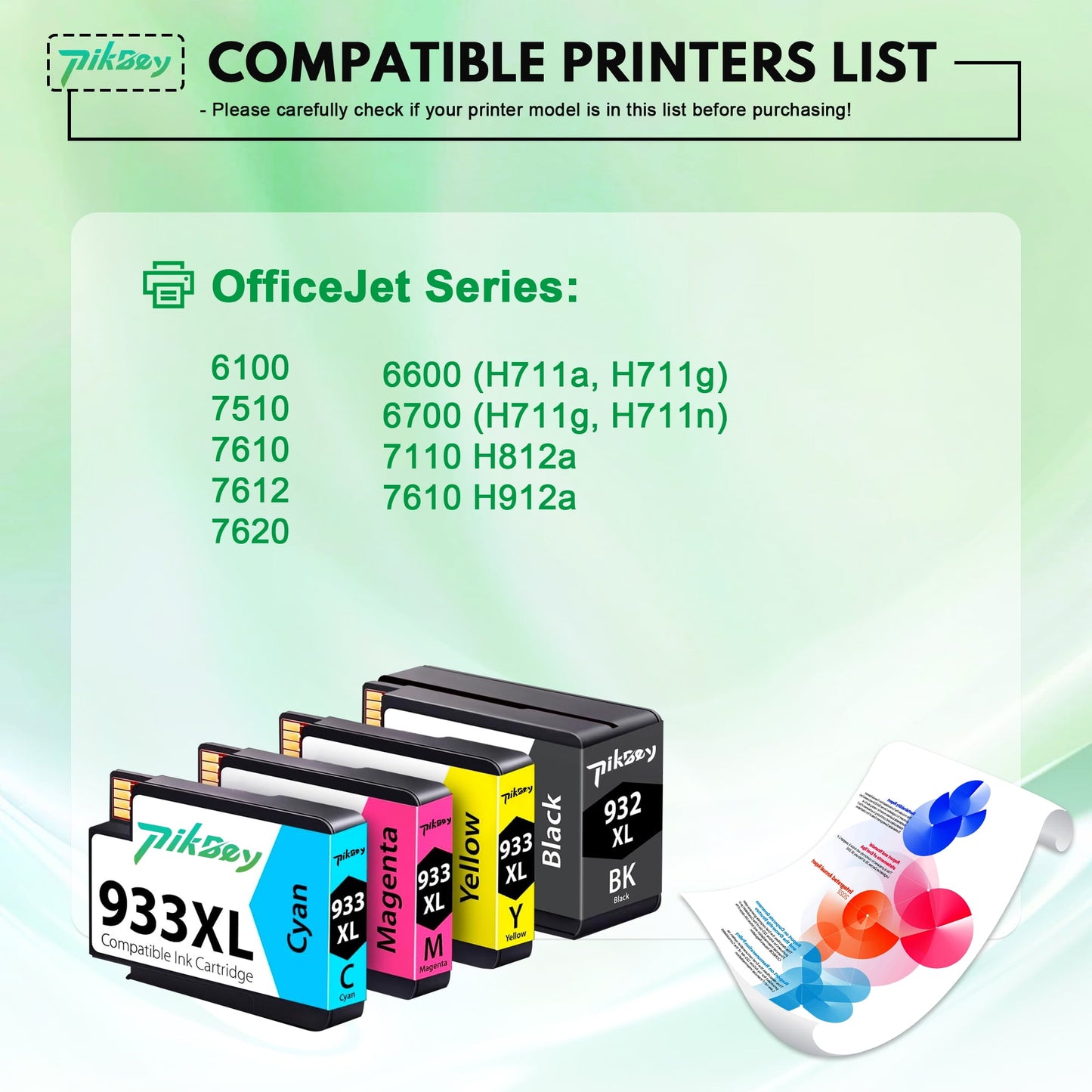
1000 pages per 933 XL Cyan Magenta Yellow ink cartridge. - 🖨️Compatible OfficeJet Series Printers:
6100 / 7510 / 7610 / 7612 / 7620
6600 (H711a, H711g) / 6700 (H711g, H711n)
7110 H812a / 7610 H912a - Note: This product is not-original. If your printer shows a message like "Non-HP Ink," click "OK," "Yes," or "Continue," or simply ignore it. This will not affect the cartridge's functionality.
[1].Don't remove or touch 932xl and 933xl ink cartridges for hp printers chip.
[2]. When the printer prompts "non-original", please click "ok" or "next to continue".
[3].When the 932xl and 933xl printer appears "low ink", "empty", "replace ink cartridge" and other prompts, please remove the 932xl and 933xl ink cartridge and reinstall it several. - If your printer has trouble recognizing the 932xl and 933xl ink cartridge, simply wipe the cartridge’s chip and the printer’s contacts gently with a soft cloth or cotton swab, then remove and firmly reinsert the cartridge until it clicks into place. Finally, turn the printer off, unplug it for 30 seconds, and restart—this will typically resolve the issue and allow for smooth printing.
- Special Note:Please be careful not to touch or disassemble the chip during use, and avoid touching the inkjet nozzles,Prevent ink leakage from the cartridge nozzle.
Share